What Does It Mean to Track a Tron Transaction
Tracking a Tron transaction involves following the movement of funds from one wallet address to another on the Tron blockchain. Every transaction is assigned a unique transaction ID (TXID) or hash that serves as a permanent record. When you track a transaction, you can see the sender address, recipient address, amount transferred, timestamp, and current confirmation status. This is useful for verifying that a payment was sent, checking if funds have arrived, or investigating suspicious activity. Unlike traditional banking, Tron transactions are transparent and immutable once confirmed on the blockchain.
How to Find Your Tron Transaction ID
Your transaction ID is generated automatically when you send TRX or TRC20 tokens. To locate it, follow these steps:
- Open your Tron wallet application or exchange account
- Navigate to the transaction history or activity section
- Find the transaction you want to track
- Copy the transaction ID or hash (usually a 64-character alphanumeric string)
- Save it for reference
If you sent the transaction from an exchange like Binance, check your withdrawal history. If you used a self-custody wallet, look in the outgoing transactions list. The TXID appears immediately after you broadcast the transaction, even if it hasn't been confirmed yet.
Steps to Track a Tron Transaction Using a Block Explorer
A block explorer is a web tool that displays all transactions on the Tron blockchain. To track your transaction:
- Visit a Tron block explorer website
- Locate the search bar at the top of the page
- Paste your transaction ID into the search field
- Click search or press enter
- Review the transaction details displayed
- Check the confirmation count and status
- Verify the sender and recipient addresses match your records
The block explorer will show you the exact time the transaction was broadcast, the number of confirmations, the amount transferred, and any associated fees. If the transaction shows zero confirmations, it is still pending. Once it reaches 19 confirmations, it is considered final on the Tron network.
Understanding Tron Transaction Status and Confirmations
Tron transactions move through several states. A pending transaction has been broadcast but not yet included in a block. Once a block producer includes it, the transaction receives its first confirmation. Each new block adds another confirmation. After 19 confirmations, the transaction is irreversible. A failed transaction means the operation was rejected, usually due to insufficient balance, incorrect parameters, or network congestion. A confirmed transaction is complete and the recipient has received the funds. You can see the exact status in the block explorer by looking at the confirmation count and the transaction receipt.
How to Track a Tron Wallet Address
To monitor all activity on a specific Tron wallet address, enter the address into a block explorer's search bar. The explorer will display all incoming and outgoing transactions associated with that address, the current balance, token holdings, and transaction history sorted by date. This is useful for tracking wallet activity over time, verifying that a wallet belongs to a specific entity, or monitoring for suspicious transfers. You can see every transaction the wallet has ever made, including the amounts, dates, and counterparty addresses. This transparency is a core feature of the Tron blockchain and applies to all public addresses.
Checking for Frozen or Scam Funds in Tron Transactions
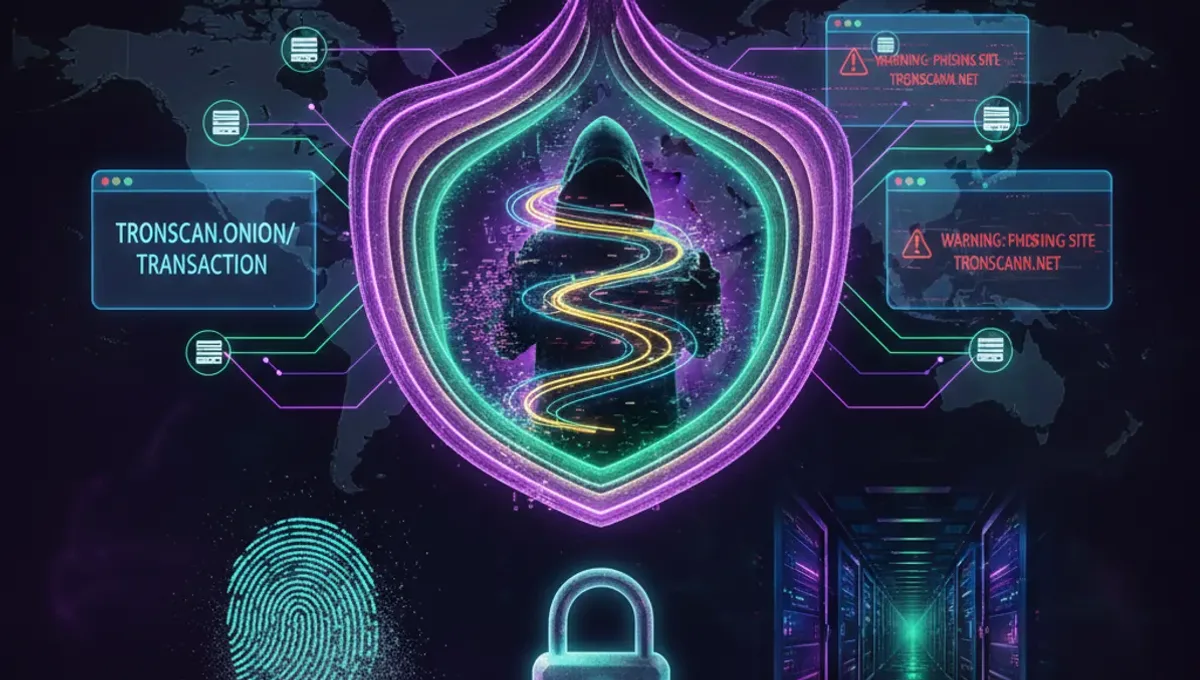
Some Tron addresses and tokens are flagged as high-risk due to scam activity, sanctions, or frozen status. When you track a transaction, check whether the recipient address or token contract has been marked as suspicious. Block explorers often display risk indicators or warnings next to flagged addresses. You can also verify whether a TRC20 token is legitimate by checking its contract address and comparing it against known scams. If you receive funds from an unknown source or a transaction involves a flagged address, do not trade or transfer those funds until you verify their legitimacy. Scammers often use similar-looking contract addresses to impersonate legitimate tokens.
Common Reasons Why Tron Transactions Fail or Delay
Tron transactions typically confirm within seconds, but delays or failures can occur. Network congestion happens during high-traffic periods and causes pending transactions to wait longer. Insufficient balance means you tried to send more than you own, including fees. Incorrect recipient address causes the transaction to fail before broadcast. Low energy or bandwidth can prevent smart contract interactions. Wallet software bugs or connection issues may prevent proper transaction submission. If your transaction is stuck pending for more than a few minutes, check the confirmation count in the block explorer. If it shows zero confirmations after 10 minutes, your wallet may have failed to broadcast it properly and you should try again.
Frequently asked questions
Can I track a Tron transaction anonymously?
No. All Tron transactions are public and visible on the blockchain. Anyone can see the sender address, recipient address, and amount by searching the transaction ID. However, you can use a block explorer without logging in, so your personal identity is not directly linked to the lookup unless you voluntarily provide it.
How long does a Tron transaction take to confirm?
Tron transactions typically confirm within 3 seconds. The network produces a new block every 3 seconds on average. After 19 confirmations, the transaction is considered final and irreversible. In normal conditions, this takes about 57 seconds total.
What should I do if my Tron transaction is stuck pending?
Check the block explorer to see if the transaction has any confirmations. If it shows zero confirmations after 10 minutes, the transaction likely failed to broadcast. Try sending it again from your wallet. If it has at least one confirmation, wait for more confirmations to accumulate. Tron does not have transaction replacement or acceleration options like some other blockchains.
Can I cancel a Tron transaction after sending it?
No. Once a Tron transaction is broadcast and included in a block, it cannot be canceled or reversed. If you sent funds to the wrong address, you must contact the recipient to request a refund. Always verify the recipient address before confirming a transaction.
How do I know if a Tron transaction is a scam?
Check the block explorer for the recipient address and token contract. Look for risk warnings or flags. Compare the token contract address against official sources to verify it is legitimate. Be suspicious of unsolicited transfers or tokens with names similar to popular coins. If you receive unexpected funds, do not trade or move them until you verify their source.