What Makes TRC20 Safe or Unsafe
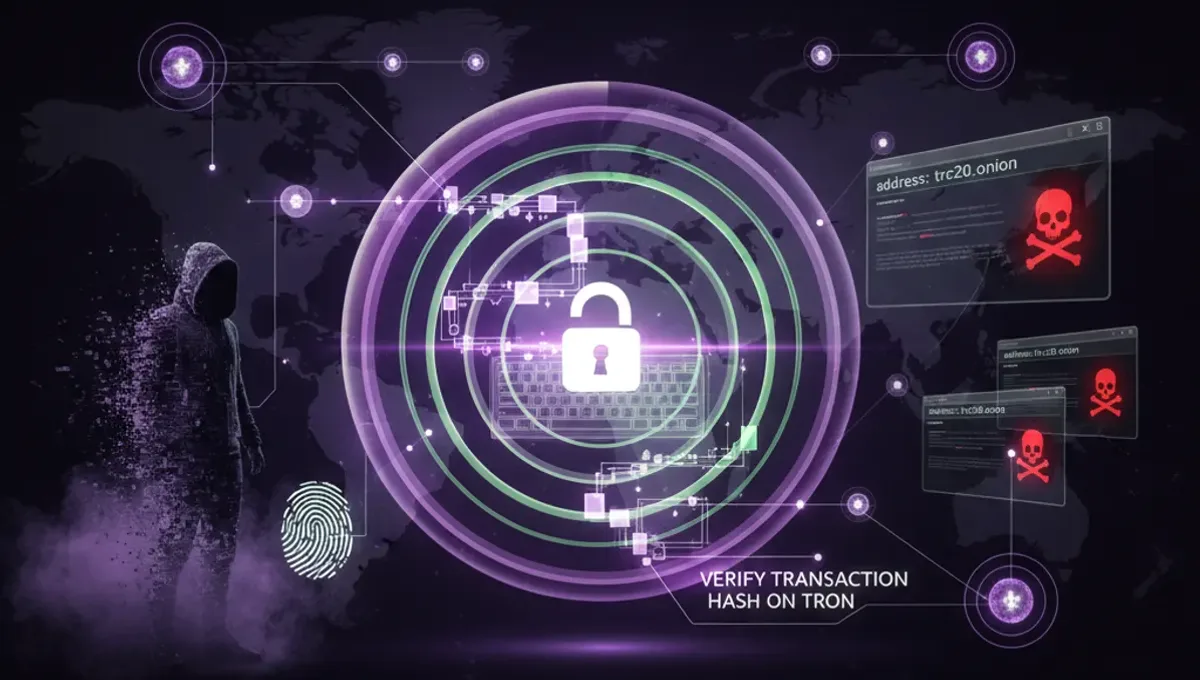
TRC20 tokens inherit security from the TRON blockchain's cryptographic foundation, which uses the same elliptic curve cryptography as Bitcoin and Ethereum. However, safety is not automatic. A TRC20 token can be issued by any address, meaning scam tokens exist alongside legitimate ones. The blockchain records all transactions immutably, but it does not prevent you from sending funds to a frozen address, a honeypot contract, or a phishing clone wallet. Tronscan Check helps by validating whether an address has been flagged for suspicious activity, whether funds are frozen, or whether a transaction hash actually exists on-chain. The protocol itself is sound; the risk lies in user error and social engineering.
How to Verify a TRC20 Address Before Sending Funds
Before moving USDT or any TRC20 token, verify the destination address using these steps:
- Copy the full TRC20 address from the recipient (never type it manually).
- Paste it into Tronscan Check or the official Tronscan explorer.
- Check the address balance and transaction history to confirm it is active.
- Look for any AML flags, frozen status, or warnings attached to the address.
- Cross-reference the address with the official source (e.g., exchange withdrawal address, project website).
- Send a small test amount first if you are uncertain.
This process takes seconds and prevents irreversible loss. Many users skip this step and fall victim to typosquatting or clipboard malware that replaces addresses.
Understanding TRC20 Hash and Transaction Verification
A TRC20 hash (also called a transaction ID or TXID) is a unique identifier for every transaction on the TRON blockchain. Once a transaction is confirmed, its hash becomes part of the permanent ledger. To verify a TRC20 hash, enter it into Tronscan Check or a block explorer and confirm the sender, receiver, amount, and timestamp match what you expect. A valid hash proves the transaction occurred; an invalid or missing hash means the transaction either failed, is still pending, or was never broadcast. Scammers sometimes provide fake transaction hashes to convince victims that funds were sent when they were not. Always verify the hash independently rather than trusting a screenshot or message from the sender.
Is Tronscan Safe for Checking Transactions
Tronscan is the official block explorer for the TRON network and is maintained by the TRON Foundation. It is safe to use for reading transaction data because it only displays information already recorded on the blockchain; it does not store your private keys or require authentication. However, always verify you are visiting the legitimate Tronscan domain and not a phishing clone. Bookmark the official site or use a direct link from the TRON Foundation website. Tronscan Check integrates with Tronscan data to provide additional AML risk assessment and address validation, adding a layer of fraud detection beyond basic transaction lookup. Neither tool can prevent you from sending to a scam address, but both help you identify suspicious activity before you commit funds.
Is USDT on TRC20 Safe
USDT issued on the TRON network (TRC20-USDT) is backed by Tether and is as safe as the USDT token itself. The security of USDT depends on Tether's reserves and regulatory compliance, not on the TRC20 standard. However, counterfeit USDT tokens exist on TRON; scammers create fake contracts that mimic the official USDT address. To ensure you hold legitimate USDT, verify the contract address matches the official Tether documentation. The real USDT contract address on TRON is TR7NHqjeKQxGTCi8q8ZY4pL8otSzgjLj6t. Use Tronscan Check to confirm any USDT address you receive funds from matches this contract. Frozen USDT addresses are also possible if Tether or law enforcement flags an address for sanctions or fraud; a TRC20 checker will alert you to this status.
Common Security Mistakes When Using TRC20
Users compromise TRC20 security through preventable errors:
- Sending to unverified addresses without checking them first.
- Trusting addresses shared via email, chat, or social media without independent verification.
- Assuming a transaction succeeded without checking the hash on-chain.
- Visiting fake block explorers or phishing sites that mimic Tronscan.
- Ignoring AML warnings or frozen address flags when they appear.
- Using the same password for multiple wallets or exchanges.
- Not verifying contract addresses before trading or swapping tokens.
Each of these mistakes has resulted in permanent loss of funds. Using a TRC20 checker tool and following verification steps eliminates most of these risks.
When to Use a TRC20 Checker Tool
Use Tronscan Check or similar tools in these scenarios: before sending a large amount of USDT or TRC20 tokens, when you receive an address from an unfamiliar source, if a transaction appears stuck or missing, when you want to verify a wallet's transaction history, and if you suspect an address may be associated with fraud or sanctions. A TRC20 checker is especially valuable for institutional transfers, high-value trades, and situations where you cannot directly contact the recipient to confirm the address. The tool provides immediate feedback on address validity, balance, and risk status, reducing the time between verification and transfer. For routine small transactions to known addresses, verification is still recommended but the risk is lower.
Frequently asked questions
Can TRC20 transactions be reversed?
No. Once a TRC20 transaction is confirmed on the TRON blockchain, it is permanent and cannot be reversed. This is why verification before sending is critical. If you send funds to the wrong address or a scam wallet, recovery is not possible through the protocol. Some exchanges or wallet providers may assist in rare cases, but the blockchain itself has no undo function.
What does a frozen TRC20 address mean?
A frozen address is one that has been flagged by Tether, law enforcement, or a blockchain monitoring service and cannot send or receive certain tokens. Frozen addresses are typically associated with sanctions, fraud investigations, or AML compliance actions. Sending funds to a frozen address may result in the funds being locked or seized. Tronscan Check alerts you to frozen status before you transfer.
How do I know if a TRC20 token is a scam?
Verify the contract address against official sources. Legitimate projects publish their contract address on their website and social media. Check the token's transaction history and holder count on Tronscan. Scam tokens often have very few holders or sudden spikes in transfers. Use Tronscan Check to validate the address and look for red flags such as recent creation, no liquidity, or suspicious activity patterns.
Is it safe to store USDT on TRC20?
Yes, storing USDT on TRC20 is safe if you use a secure wallet and verify addresses carefully. TRC20 offers lower fees than other networks. However, ensure your private keys are protected, use hardware wallets for large amounts, and never share your seed phrase. The TRC20 standard itself is secure; the risk comes from wallet mismanagement or sending to wrong addresses.
What is the difference between TRC20 and other token standards?
TRC20 is the TRON network's token standard, similar to ERC20 on Ethereum. TRC20 tokens typically have lower transaction fees and faster confirmation times than ERC20. The security model is the same: tokens are only as safe as the addresses you send them to and the wallets that hold them. Use a TRC20 checker to validate addresses regardless of the standard.